Introduction
According to recent industry tracking by W3Techs, WordPress powers more than 43% of all websites worldwide, making it the most widely used content management system in the global digital ecosystem. Within the CMS market specifically, it accounts for well over 60% of sites using a known CMS, underscoring that WordPress is not a niche platform but mainstream digital infrastructure. For Japanese SMEs and mid-sized enterprises, this popularity reflects WordPress’s flexibility, scalability, multilingual capability, and access to a vast plugin ecosystem without the cost of fully custom development, making it a practical choice for organizations that need both control and efficiency.
Unlike closed SaaS website builders, WordPress operates as an open ecosystem that depends on structured updates, plugin compatibility oversight, security monitoring, backup management, and performance optimization. When these responsibilities are managed reactively rather than strategically, small inconsistencies accumulate and eventually surface as business friction.
A contact form quietly stops delivering inquiries, a campaign landing page slows during peak traffic, the marketing team cannot access wp-admin before a product launch, or a redirect loop blocks customers entirely. In many Japanese organizations, marketing departments absorb the operational impact of these disruptions, leadership sees declining conversions, and the website gradually shifts from being a growth asset to a source of internal stress.
Drawing on experience supporting hundreds of WordPress environments across industries in Japan, this guide examines the 10 most common WordPress problems site owners encounter and explores why they occur, how they can be resolved responsibly, and how structured hosting and ongoing maintenance can prevent them from recurring, with the goal of establishing operational stability.
Table of Content
- Why WordPress Problems Are Rarely Isolated
- Login Redirect Loop (wp-admin Keeps Refreshing)
- White Screen of Death (Blank Page)
- Plugin or Theme Conflicts
- Image Upload Failures
- Broken Contact Forms or Emails Not Sending
- Too Many Redirects (ERR_TOO_MANY_REDIRECTS)
- Neglecting Updates
- Lack of Backups and Maintenance
- Suboptimal SEO Practices
- Slow Loading Pages (Performance Issues)
- Conclusion: From Reactive Fixes to Structured Stability
Why WordPress Problems Are Rarely Isolated
Before examining individual issues, it is worth understanding a broader pattern, because most WordPress challenges share a common structural origin.
Most WordPress failures are not random events but cumulative outcomes of unmanaged complexity. Over time, sites accumulate plugins, layered redirects, outdated themes, temporary fixes, and incremental configuration changes. Each change may appear minor in isolation, yet together they create fragility.
The following ten issues are common, not because WordPress is unstable, but because unmanaged environments gradually expose weaknesses as governance, hosting, and maintenance fall out of sync with business growth. Viewed together, they point to a consistent pattern: these are not isolated bugs, but symptoms of a broader operational framework that requires structure and oversight.
1. Login Redirect Loop (wp-admin Keeps Refreshing)
Few issues are as frustrating as being locked out of your own website, particularly when time-sensitive updates are required.
A login redirect loop typically occurs when users enter correct credentials but are repeatedly returned to the login screen. For marketing teams managing time-sensitive campaigns or content updates, this creates immediate disruption.

Why It Happens
Login loops are often caused by cookie conflicts, mismatched site URL settings, caching misconfigurations, or plugin interference. These problems frequently emerge after domain changes, HTTPS migrations, or plugin updates.
In many cases, the redirect loop is not the root problem. It is a symptom of configuration inconsistency between the database, server environment, and active plugins.
How to Resolve It Responsibly
Clearing browser cache and cookies can sometimes resolve minor session conflicts. Verifying that the “siteurl” and “home” values in the database match the correct domain is also essential. In more complex scenarios, temporarily disabling recently updated plugins may help isolate the issue.
However, repeated login failures often indicate deeper configuration management gaps.
Structural Prevention
Organizations that operate staging environments and controlled deployment processes experience significantly fewer authentication conflicts. Managed hosting environments that monitor configuration changes and test updates before deployment reduce the likelihood of sudden administrative lockouts.
Admin access is not merely a technical convenience but a core piece of operational infrastructure.
When login reliability is unstable, teams begin operating defensively. That same defensive posture often appears elsewhere in the stack, which leads naturally to the next category of failure: front-end breakdowns.
2. White Screen of Death (Blank Page)
The “White Screen of Death” remains one of WordPress’s most infamous symptoms, where a site loads but nothing appears, with no navigation, no content, and no visible error message.
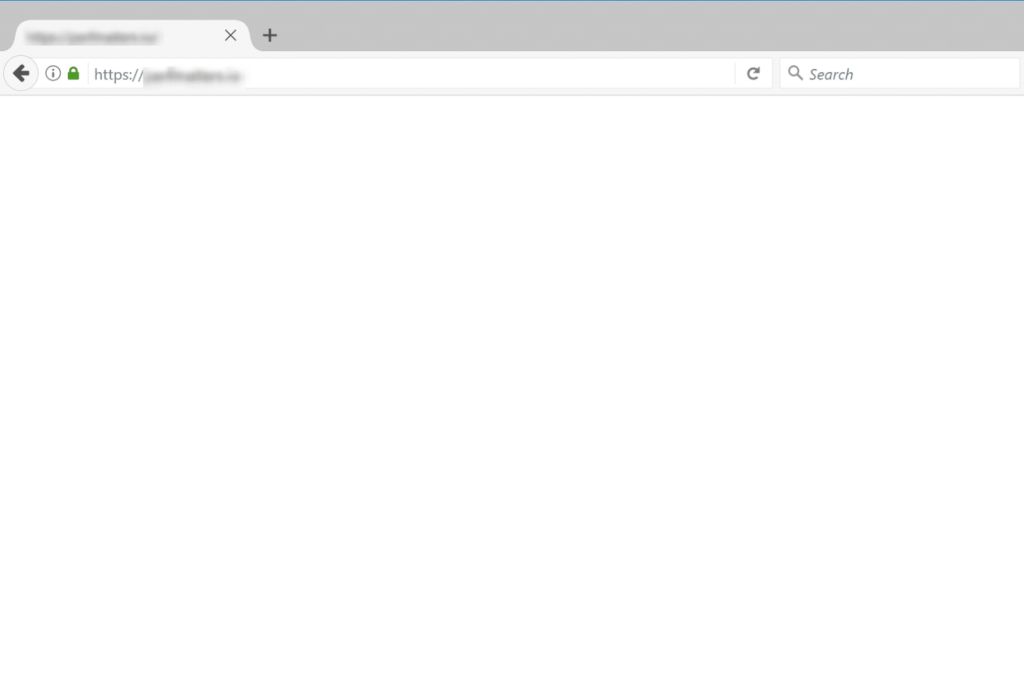
For users, the experience signals instability. For internal teams, it creates urgency and reputational concern.
Why It Happens
Blank screens are typically triggered by PHP fatal errors, memory exhaustion, or incompatible theme and plugin updates. In recent versions of WordPress, some fatal errors generate critical error messages, but full white screens still occur.
The underlying issue is rarely aesthetic. It reflects a breakdown in compatibility management.
Resolution Approach
Enabling debug mode in wp-config.php can help identify the root error. Increasing PHP memory limits may resolve resource exhaustion. Temporarily switching to a default theme can help isolate theme-related conflicts.
Yet these are reactive responses.
Structural Prevention
Testing updates in a staging environment before applying them to the live site is one of the most effective safeguards. Without staging, updates are essentially experiments performed on active users.
A structured environment separates development from production, protecting both customer experience and brand credibility.
Where login issues affect internal teams first, display failures affect customers immediately. That distinction makes the next issue particularly visible.
3. Plugin or Theme Conflicts
WordPress’s plugin ecosystem is both its greatest strength and its most common vulnerability point.
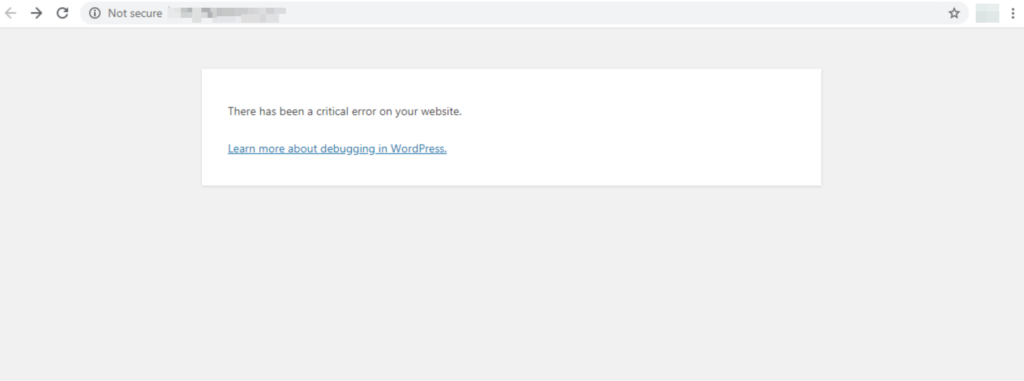
After installing or updating a plugin, site layouts may break, forms may stop functioning, or visual inconsistencies may appear unexpectedly.
Why Conflicts Occur
Plugins are developed by independent teams with varying testing standards. While many are reliable, not every combination is thoroughly tested across all hosting environments and PHP versions.
When updates are applied without compatibility checks, conflicts become more likely.
Responsible Troubleshooting
Systematically deactivating plugins to isolate the source of conflict is standard practice. Switching to a default theme can also help determine whether the issue is theme-related.
However, reactive troubleshooting consumes time and introduces uncertainty during critical marketing windows.
Long-Term Stability
Organizations that maintain change logs, implement version control practices, and test updates before deployment reduce instability dramatically. Managed services that validate compatibility across staging environments offer additional risk mitigation.
In high-growth environments, predictable stability supports campaign confidence and reduces hesitation around updates or campaign launches.
Beyond functionality conflicts, operational friction also appears in day-to-day content workflows. Media handling is a common example.
4. Image Upload Failures
Media stability is often underestimated until it fails, at which point content workflows can slow dramatically.
When image uploads generate HTTP errors or stall mid-process, publication schedules can slip, particularly for recruitment sites, product catalogs, and blog-driven marketing strategies that depend on consistent content updates.
Why Uploads Fail
File permission errors, insufficient server memory, and plugin interference are common causes. In some cases, missing server modules like GD or Imagick contribute to failures.
These issues often reflect hosting environments not fully optimized for WordPress media processing.
Responsible Remediation
Confirming correct folder permissions, reviewing memory allocation, and temporarily disabling image optimization plugins can help isolate the issue.
Yet repeated upload instability typically signals infrastructure misalignment.
Structural Prevention
Hosting environments purpose-built for WordPress allocate appropriate resources for media handling. When publishing content is central to marketing strategy, reliable media workflows become operationally critical.
If media instability slows internal teams, communication failures can be even more costly, particularly when they affect lead capture.
5. Broken Contact Forms or Emails Not Sending
Few issues have more direct revenue impact than failed contact forms, especially for organizations that rely heavily on inbound inquiries for sales and recruitment.
Users may complete and submit inquiries successfully, yet emails never arrive, and this failure is often silent.
Why It Happens
By default, WordPress relies on PHP mail functionality, which is frequently blocked or filtered by modern email providers. Authentication protocols like SPF, DKIM, and DMARC are often misconfigured.
Using free email addresses as sender identities can further reduce deliverability.
Practical Resolution
Configuring SMTP authentication through a verified domain and implementing transactional email services significantly improves reliability. Testing form submissions regularly is also advisable.
Revenue Protection Perspective
Even a modest percentage of undelivered inquiries can materially affect monthly revenue. Reliable email configuration is therefore not simply technical hygiene but a direct form of revenue protection.
While email failures often remain invisible, redirect loops are highly visible. They block access entirely, making them one of the most urgent user-facing errors.
6. Too Many Redirects (ERR_TOO_MANY_REDIRECTS)
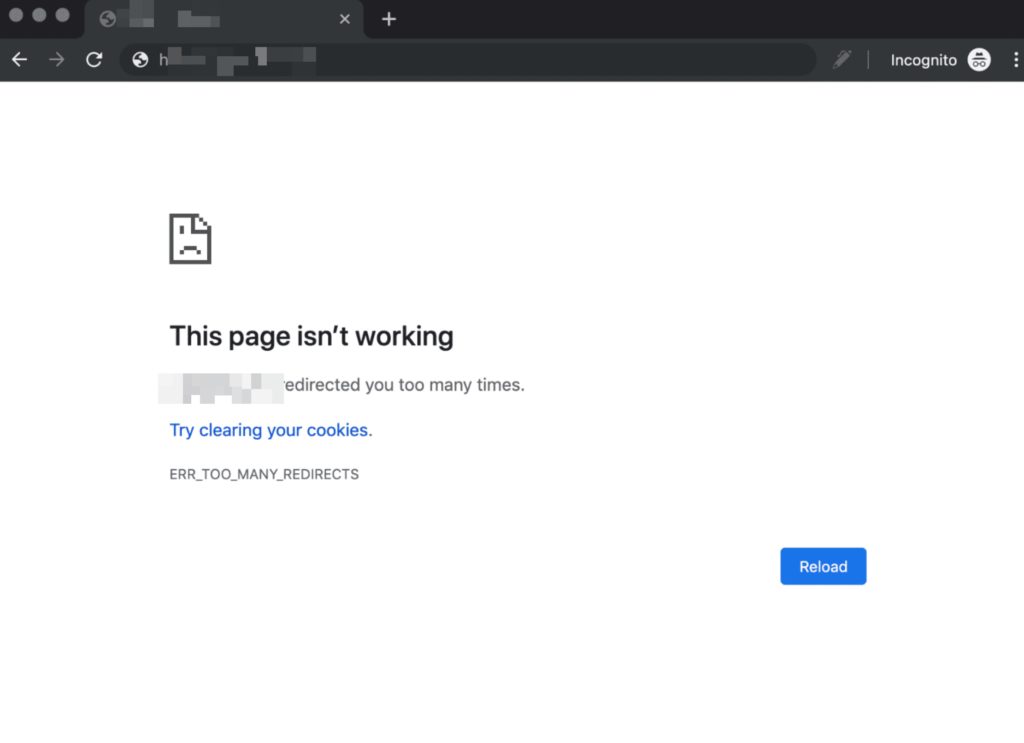
Redirect loops prevent users from accessing a website entirely. Browsers display an error message indicating excessive redirects.
Why It Happens
This issue often emerges after HTTPS migrations, domain changes, CDN implementation, or layered redirect rules added over time. Conflicts between server-level redirects, plugin-based redirects, and CDN settings can create circular logic.
Responsible Resolution
Verifying domain settings, reviewing .htaccess rules, and auditing redirect configurations across all layers are essential steps.
Long-Term Simplicity
Redirect logic should be centralized wherever possible. Reducing duplication improves maintainability and lowers long-term risk.
As sites evolve, incremental redirect additions create complexity, which is why periodic audits are essential for maintaining clarity.
Many redirect issues stem from past updates and migrations. That pattern highlights a broader theme: how updates are managed across the entire WordPress environment.
7. Neglecting Updates
Outdated plugins and themes remain one of the most common security exposure points in WordPress environments, particularly as publicly disclosed vulnerabilities continue to increase each year.
Security researchers consistently disclose vulnerabilities in widely used plugins, as reflected in public databases such as the WordPress.org Security Releases. Attackers frequently automate scans targeting outdated installations.
Why Updates Are Delayed
Many organizations postpone updates for fear of breaking functionality. Ironically, delaying updates often increases long-term risk.
Responsible Update Strategy
Establishing a structured update schedule, reviewing changelogs, and applying updates within controlled environments balances stability with security.
Managed Prevention
Managed WordPress services that test updates before deployment significantly reduce compatibility anxiety while maintaining protection against known vulnerabilities.
Update discipline is closely linked to backup discipline. Both are components of structured risk management.
8. Lack of Backups and Maintenance
Backups are frequently overlooked until they are urgently needed, which is precisely why their absence can be so damaging.
When a site crashes, is compromised, or experiences data corruption, the absence of recent restorable backups transforms a manageable incident into a crisis.
Why This Happens
Backup systems may exist but are rarely tested. Restoration procedures are often unfamiliar to internal teams.
Responsible Approach
Daily automated backups stored offsite provide foundational protection. Periodic restoration tests confirm usability.
Business Continuity Perspective
Backups support continuity planning by ensuring that operational disruptions remain temporary rather than catastrophic.
Even when infrastructure remains online, technical weaknesses can gradually erode visibility, a pattern that is often most apparent in search performance.
9. Suboptimal SEO Practices
Technical SEO weaknesses often undermine otherwise strong marketing efforts.
Slow performance, broken internal links, missing metadata, and inconsistent permalink structures gradually erode search visibility.
Why It Occurs
SEO is frequently treated as a one-time setup rather than an ongoing maintenance discipline.
Responsible Optimization
Implementing reputable SEO plugins, maintaining structured metadata, and performing periodic technical audits protect long-term search investment.
Strategic Framing
Organic visibility compounds over time, and preventive maintenance preserves authority while supporting sustainable growth.
Performance plays a direct role in that visibility. Google’s ongoing emphasis on Core Web Vitals and page experience signals reinforces that speed and stability are not secondary considerations. They influence both rankings and user behavior.
10. Slow Loading Pages (Performance Issues)
Performance is no longer optional in a competitive digital environment, where user expectations and search engine standards continue to rise.
Research from Google and industry performance studies consistently demonstrate that slower load times correlate with increased bounce rates and lower conversion rates. Even incremental delays influence user behavior.
Why Sites Slow Down
Plugin accumulation, unoptimized images, database bloat, inadequate caching, and insufficient hosting resources all contribute.
Responsible Optimization
Server-level caching, image compression, next-generation formats such as WebP, CDN implementation, and database optimization improve responsiveness.
Long-Term Advantage
Infrastructure designed specifically for WordPress, combined with continuous performance monitoring, ensures consistent speed even as traffic scales.
Performance stability directly supports marketing ROI, user experience, and brand credibility, reinforcing the importance of infrastructure as a strategic investment rather than a technical afterthought.
Across all ten issues, a consistent theme emerges: instability is rarely sudden, but cumulative.
Conclusion: From Reactive Fixes to Structured Stability
Most WordPress problems are not anomalies but predictable outcomes of unmanaged growth. As businesses expand, websites accumulate features, integrations, and content. Without structured oversight, that growing complexity increases until friction inevitably surfaces. For Japanese SMEs and mid-sized enterprises, the strategic shift is therefore clear: moving from reactive troubleshooting to proactive management is not optional but essential.
Structured hosting environments that incorporate staging workflows, compatibility testing, authenticated email systems, automated backups, and performance monitoring transform WordPress from a source of operational risk into a stable growth platform. When infrastructure is stable, marketing teams regain focus, campaigns launch confidently, content publishing becomes predictable, and growth initiatives proceed without unexpected technical interruptions. WordPress remains a powerful and flexible platform, and with the right operational structure behind it, it becomes a dependable foundation for long-term digital strategy.
Need More Stability and Support?
If your organization relies on WordPress for lead generation, recruitment, e-commerce, or brand credibility, infrastructure stability is not optional. A specialized WordPress hosting and support partner can manage updates, monitor security, maintain performance, and reduce operational risk, allowing internal teams to focus on strategy and growth. To explore what a more structured, resilient foundation could look like, speak with the WP Flex team.