AI has changed the scale of website security risk. The same tools that help businesses automate work can also help attackers create scripts, scan more sites, test more login pages, and repeat attacks with less effort than before. For WordPress sites, that means more automated pressure on the same weak points that have always mattered: outdated plugins, weak passwords, exposed forms, shared administrator accounts, and neglected maintenance.
For many companies, a WordPress site supports inquiries, sales conversations, recruitment, customer service, campaign pages, and day-to-day credibility. When it slows down, redirects visitors, sends spam, or disappears from search results, the issue quickly becomes operational.
More business websites are now being checked by automated systems that look for easy ways in, rather than choosing one company by name. AI has made those systems easier to create, adjust, and scale, including scripts that test login pages, look for known security weaknesses, write convincing phishing messages, and repeat attacks continuously.
WordPress is not unsafe by default, but it does require regular maintenance. As AI-assisted attacks become easier to scale, casual maintenance creates more risk, especially when updates are delayed, administrator accounts are shared, unused plugins remain installed, or hosting support is assumed to cover every site-level issue. WordPress security now needs to be treated as part of normal website operations.
Automated attacks are now part of the normal background noise

Most WordPress attacks are automated, persistent, and based on opportunity. Attackers scan large numbers of sites, looking for familiar weak points such as outdated plugins, exposed login pages, weak passwords, insecure forms, or files that should not be publicly accessible.
This matters because many business owners still imagine hacking as a targeted event, assuming their company is too small, too local, or too ordinary to be interesting. In reality, automated attacks don’t need personal interest, only a vulnerable site.
A small company website can still be useful to an attacker in several ways:
- Sending spam from the domain or server
- Hosting hidden pages for scams or search manipulation
- Redirecting visitors to malicious websites
- Distributing malware or unwanted files
- Scraping or exposing data
- Using the website’s server power for other attacks
Recent reporting on WordPress security found more than 11,300 new vulnerabilities across the WordPress ecosystem in 2025. That is not a number about enterprise software or niche platforms. It is about the same plugins, themes, and tools that everyday business websites rely on. The risk environment has changed whether or not the website has.
Where attackers usually look first
Automated attacks tend to begin with predictable targets, especially the login area. Bots repeatedly scan wp-login pages, attempt common usernames, test leaked passwords, and look for administrator accounts with weak protection, which makes sites with reused passwords or shared admin credentials much easier to compromise.
Other common target areas include:
- xmlrpc.php, a WordPress feature that may be misused for repeated login attempts if it is not controlled
- The WordPress REST API, which helps WordPress share data with plugins and other systems, but can create risk when permissions are poorly configured
- File upload features, including contact forms, registration forms, and media upload tools
- Plugins and themes, especially those that are outdated, abandoned, given too much access, or installed from untrusted sources
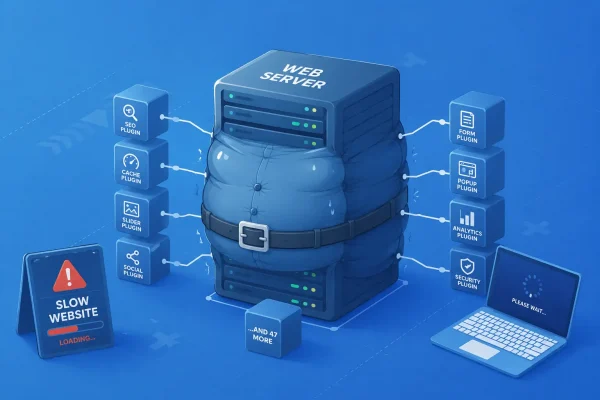
Plugins deserve special attention because every plugin adds code that has to be maintained. If a plugin is abandoned or slow to fix security problems, it gives attackers more possible ways into the site.
Two common outcomes are SEO spam injections and redirect hacks. With SEO spam, attackers insert hidden or visible pages promoting unrelated products, scams, or suspicious links. Redirect hacks send visitors, or sometimes only visitors from search engines, to another website. Both can damage trust, reduce conversions, and create warnings in browsers or search results.
Unpatched software creates a dangerous window
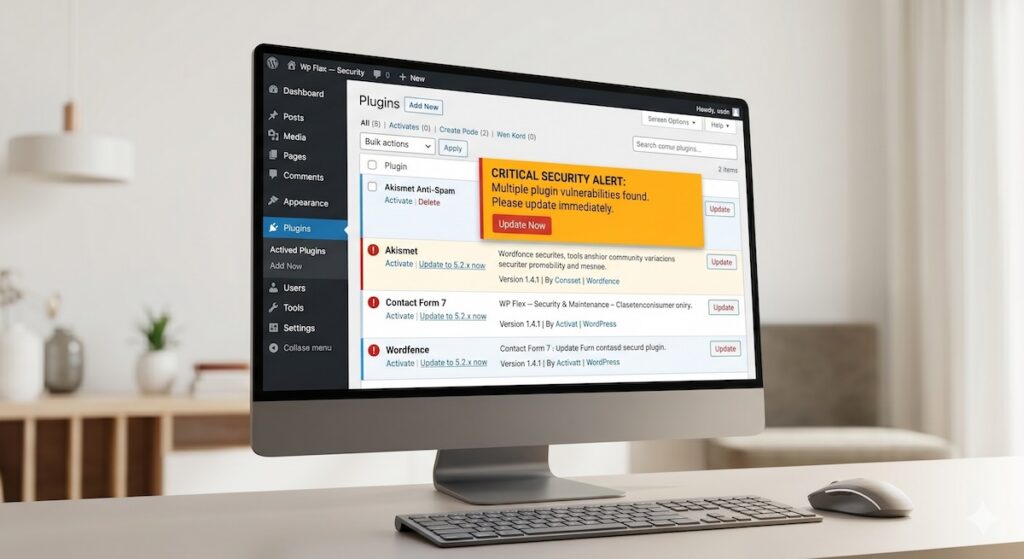
Security updates don’t always work like ordinary software updates. A security weakness may be discovered before every site has been patched, and attackers can move quickly once details become public. This creates a window of exposure between discovery, developer response, patch release, site testing, and final update.
A recent plugin incident shows how quickly a normal website feature can become a security issue. In that case, a weakness in Advanced Custom Fields: Extended could allow an outside attacker to give themselves administrator-level access through certain form settings. For a business team, the lesson is not that every plugin is dangerous. It is that legitimate website features can become risky when updates, permissions, and form behavior are not being actively monitored.
This is why “we update once in a while” is not an optimal security strategy. Some updates must be handled quickly, while others need testing because they may affect forms, checkout flows, multilingual pages, or custom functionality. Business teams need someone watching for urgent issues, checking the actual plugin stack, testing changes safely, and confirming the live site still works, similar to the approach described in WP Flex’s guide to updating a WordPress website safely.
Many breaches are quiet at first
Not every hacked website is visibly defaced, and many compromises are designed to stay hidden because attackers often want continued access, not attention. A site may look normal from the homepage while hidden files, unauthorized users, spam pages, or malicious scripts operate in the background.
Warning signs worth investigating include:
- A sudden drop in website speed or server performance
- Unknown administrator users appearing in WordPress
- Unrecognized files or folders, especially inside wp-content/uploads
- Google Search Console warnings about spam, malware, or harmful behavior
- Unauthorized spam email sent from the domain or server
- Strange indexed pages appearing in Google in Japanese or other languages
- Unexpected ranking drops or search snippets that no longer match the site
Google’s documentation on hacked-site and security issues explains how warnings can appear when a site shows malware, unwanted software, social engineering, or hacked content. These warnings can affect search visibility and visitor trust, so they should not be treated as routine technical notices.
Performance problems and SEO changes are not always signs of a breach, but sudden, unexplained changes should be reviewed before they become larger problems.
The bilingual blind spot in Japan and APAC

WordPress security is global, but business websites are often managed region by region. A company may use international plugins for its English site, Japanese-language tools for domestic operations, localized payment systems, regional contact form extensions, address lookup features, and custom code for specific workflows.
That mix can create a structural gap. The person or vendor managing the Japanese side may understand local hosting and domestic tools, but may not be following fast-moving global WordPress security updates in English. An overseas support team may have the opposite problem: strong visibility into major global plugins, but less familiarity with smaller Japanese tools or local integrations.
For businesses managing sites across multiple regions, the risk is that one part of the website is being watched carefully while another is exposed. A localized payment flow, Japanese-only plugin, or domestic contact form extension can still affect the same brand, customers, and business continuity.
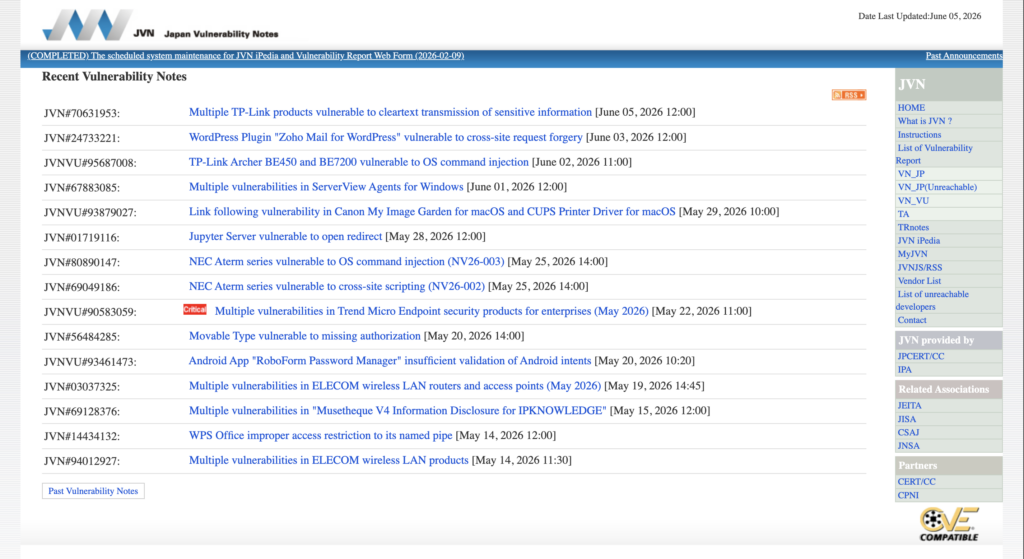
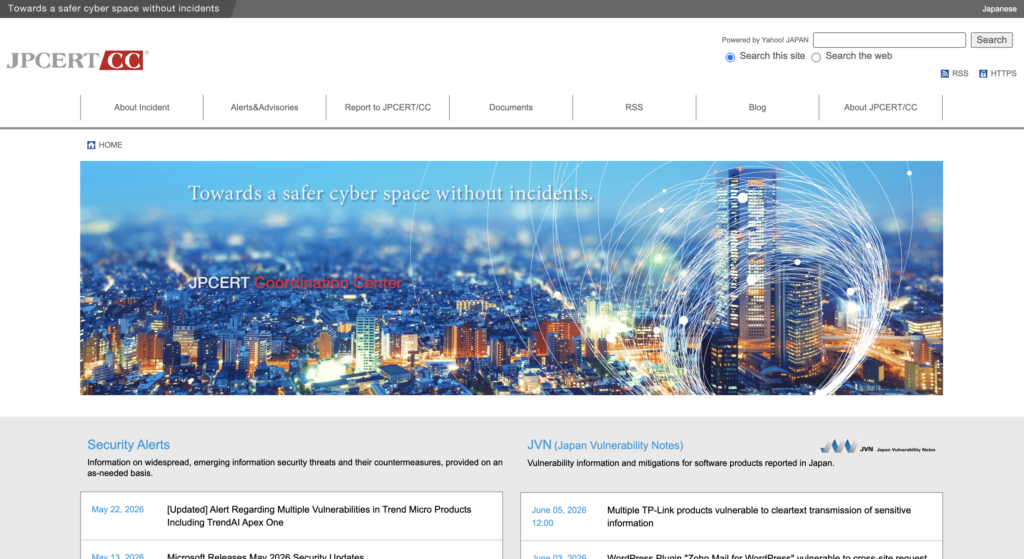
Japan-specific reporting also requires attention to domestic sources such as JVN and JPCERT/CC-related advisories. This is one reason bilingual managed WordPress support is valuable for Japan-based and APAC-facing businesses: it helps clarify which tools are used, which warnings matter, who is responsible, and when a quiet issue in one region could become a wider business problem.
Better security comes from habits, infrastructure, and process
There’s no single action that makes a WordPress site secure, because stronger protection comes from habits and systems working together. The official WordPress guidance describes website security as risk reduction, not risk elimination, which is the right mindset for business teams.
The most important habits are straightforward:
- Keep WordPress core, themes, and plugins current
- Use strong, unique passwords
- Enable two-factor authentication where possible
- Give each administrator account a clear owner and purpose
- Remove former staff, old vendors, and unused accounts
- Keep only the plugins and themes the site actually needs
- Remove unused plugins and themes rather than only deactivating them
- Use regular offsite backups, ideally daily for active websites
- Test restoration, not just backup creation
Hosting quality also matters. A proper hosting environment should include secure settings, separation between websites, monitoring, stable resources, and support that understands WordPress. Standard hosting may provide server space, but not necessarily site-level security checks, malware cleanup, or WordPress-specific protection.
More mature operations should include regular security reviews, staging environments, and real-time alerts for unusual activity. Reviews check users, plugins, themes, file changes, permissions, backups, forms, logs, and known security issues. Staging allows updates to be tested before they affect the live site, while file change alerts, login monitoring, uptime monitoring, malware scanning, and traffic review help ensure unusual activity is not missed.
Just as important is knowing what to avoid:
- Ignoring update notifications for weeks or months
- Installing plugins from untrusted sources
- Sharing one administrator login across the team
- Reusing passwords from other services
- Assuming a basic hosting plan is handling all WordPress security
- Waiting until the website is visibly broken before investigating warning signs
Together, these habits form the foundation of a safer operating rhythm.
When internal troubleshooting should stop
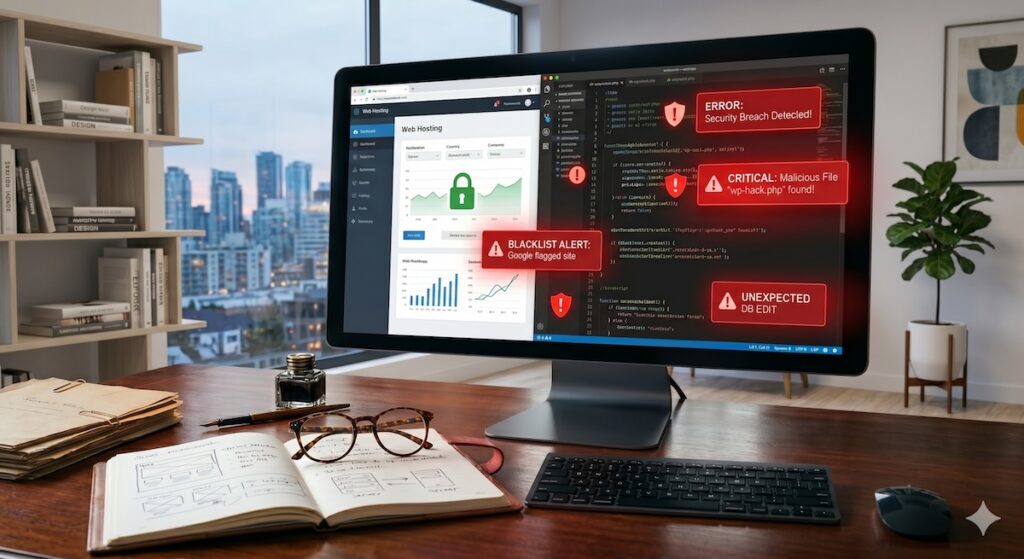
Some website issues can be handled internally, including a content edit, a minor plugin setting, or a normal update. Security incidents are different because once certain warning signs appear, internal trial-and-error can make the problem worse.
Professional support should be brought in when:
- Malware is detected but nobody knows how it entered the site
- An infection returns a few days after cleanup
- Core WordPress files have been modified unexpectedly
- The site is blacklisted by Google, flagged by a browser, or suspended by the host
- Unfamiliar code or database entries appear
- Customer data may be at risk
Removing suspicious files isn’t enough if nobody knows how they got there, and reinfection usually means there is a hidden access point, vulnerable plugin, compromised account, insecure server path, or database issue that has not been resolved.
Security isn’t only about removing malware; it also means identifying how the attacker got in, closing that route properly, restoring the site safely, checking whether any hidden access remains, and reducing the chance of the same issue returning. A cleanup that does not answer “how did this happen?” is incomplete.
A practical response to AI-era risk
AI has increased the speed and scale of website attacks, but the right response isn’t panic, it is operational discipline.
A WordPress site should be treated as business infrastructure, with regular updates, careful plugin management, strong access control, offsite backups, uptime monitoring, malware checks, and a clear support path when something looks wrong. For businesses in Japan and APAC, that support should also understand both global WordPress security updates and local website environments.
The companies most at risk are often not the ones with the most complex websites, but the ones with no clear maintenance owner, no tested backup, too many plugins, shared logins, delayed updates, and no monitoring. AI-assisted attacks make those gaps easier to find.
Keeping WordPress security manageable
AI has made website attacks easier to scale, faster to execute, and cheaper to run continuously. The risk is not only that attackers are becoming more sophisticated. It is that ordinary weak points can now be tested more often, more quickly, and with less effort.
WordPress security needs to be part of normal operations for business owners, marketing teams, and operations managers. That means clear update processes, reliable backups, active monitoring, and a plan for what happens when something looks wrong.
If a site has not been reviewed recently, a focused check of users, plugins, backups, hosting, monitoring, and known security issues can quickly show where the biggest risks are. From there, the business can decide what should be handled internally and where managed WordPress support would reduce risk, save time, and provide a clearer path forward.For teams without an internal cybersecurity function, WP Flex helps make that process more manageable through WordPress hosting, maintenance, monitoring, backups, security support, and practical technical guidance. If your current setup feels unclear, outdated, or too dependent on ad hoc fixes, contact WP Flex.